Update an Existing Criteria Set
The Inclusions, Exclusions, Changes, and Matches group boxes can be modified in an existing criteria set to create different selection or change results. A criteria set can be updated by following these steps:
Click the
 button on the Criteria Set: New Criteria
Set screen (see image below) or from the Criteria Set screen when
viewing/creating/editing a criteria set. The Load Criteria Set dialog
box appears. This dialog lists all of the named criteria sets. The
names are sorted first by alpha, then by alphanumeric, and lastly
by numeric order.
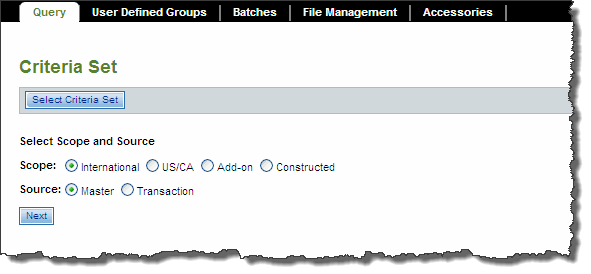
In the table, highlight the criteria set to be modified.
Click the
 button located above the table. The selected criteria set now displays
on the screen.
Make the necessary modifications to the criteria set.
Once the modifications have been made, click the
 button to save the changes to
the named criteria set.
Related Topics
- About Changes
- About Criteria Sets and Query
- About Exclusions
- About Inclusions
- About Matches
- Add, Modify, Restore To/Before, Cancel, Copy as Is, and Copy and Change to New
- Changes Field Descriptions
- Create Criteria Sets and Queries
- Delete a Criteria Set
- Exclusions Field Descriptions
- Inclusions Field Descriptions
- Maintaining Criteria Sets
- Match Options and How They Work with Change Types
- Matches Field Descriptions
- Preview Changed Fares and Submit to Batch
- Submit Preview
- Save and Copy a Criteria Set
- Scopes and Sources
- Selection Results and Changed Fares
- Modifying Fare Records
- Submit to Batch
- Update an Existing Criteria Set
- Submit Inquiry