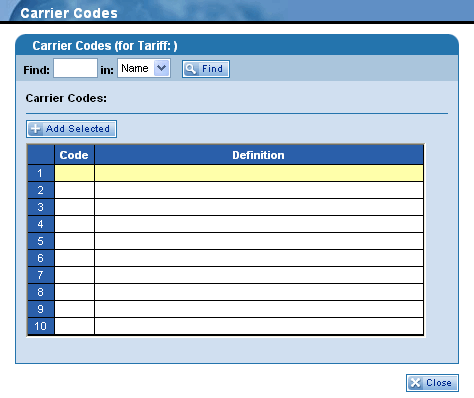
The Carrier Codes dialog box provides the ability to search for a carrier code and to view its description. To search for and select a carrier code, follow these steps:
-
In the Find field, type up to three alphanumeric characters. For example, if you type CA the program will search for all carrier codes/names starting with CA.
-
In the in drop-down list, select either Name or Code to search by either the carrier code or name. Name is the default option
-
Click the  button.
-
The Carrier Codes field displays the number of results for the selected search criteria.
-
Click a row in the table (highlighting it yellow) and then click the  button. Your selection is then entered into the Carrier field on the screen you were using before opening this dialog box.
-
Once you have selected and added a carrier code, the dialog box closes automatically. However, if you decide not to make a selection from this dialog box, you can click the  button to exit this feature.